

A small gesture. A meaningful connection.
Closer to
what matters.
You. Your pet. Your belongings. A simple scan opens the right connection with BLOOPY.
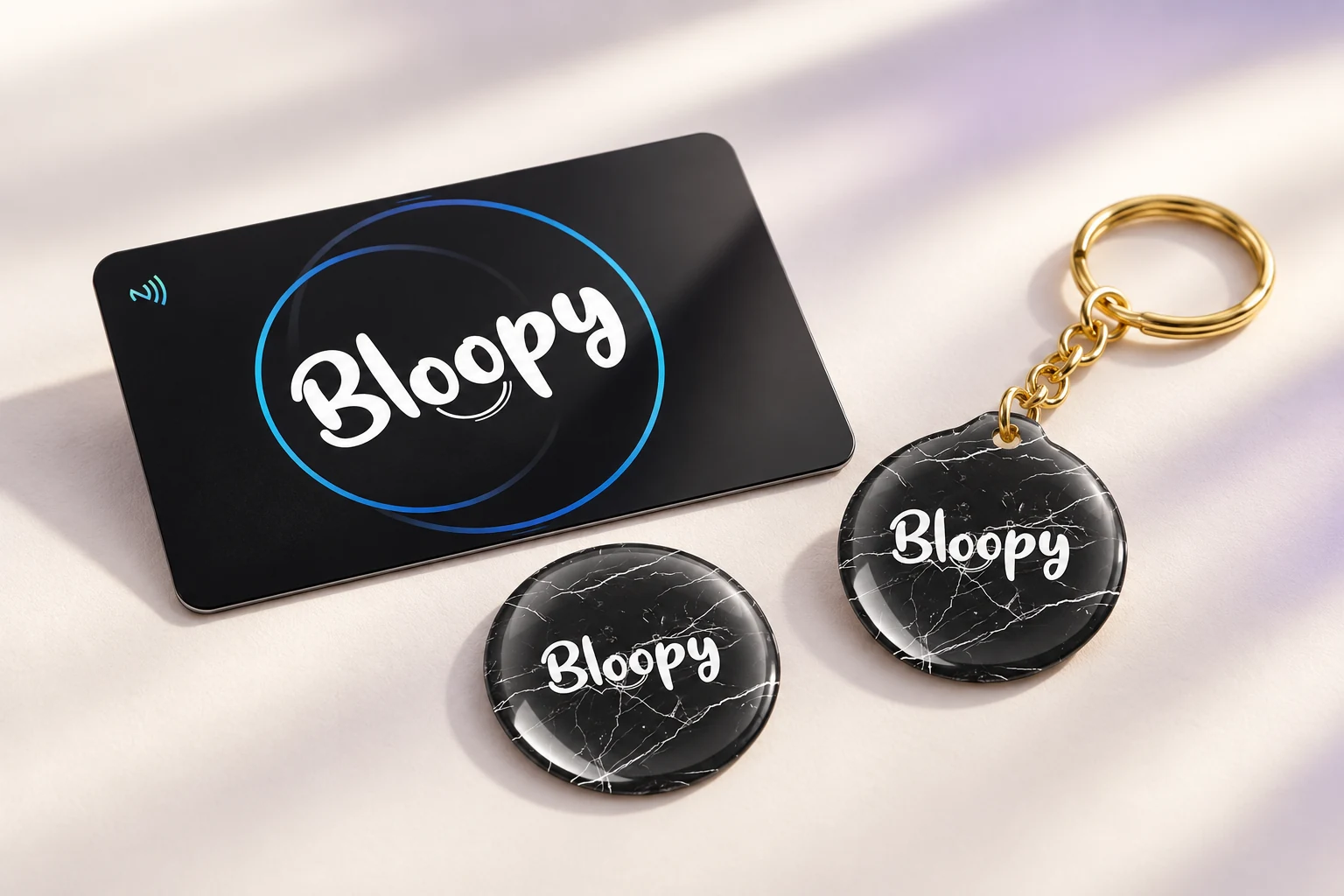
01Tap your phone02Or scan the QR code03The profile opens in your browser
Choose the shape. Make it yours.
Which BLOOPY is yours?
Every design in one place. Choose its purpose when you activate it.


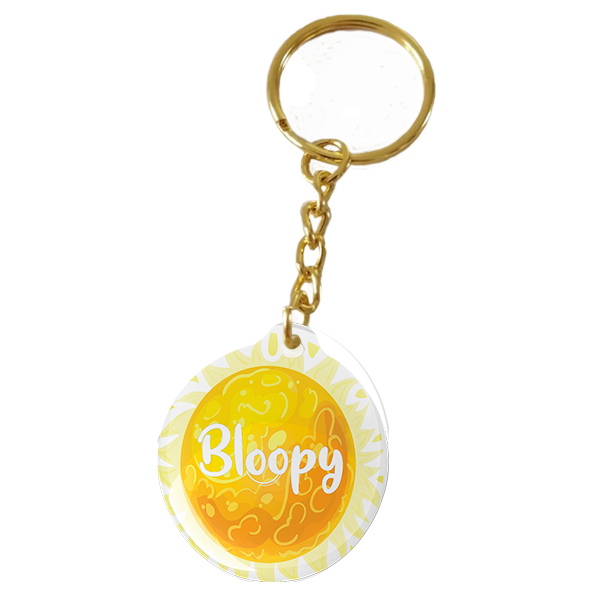
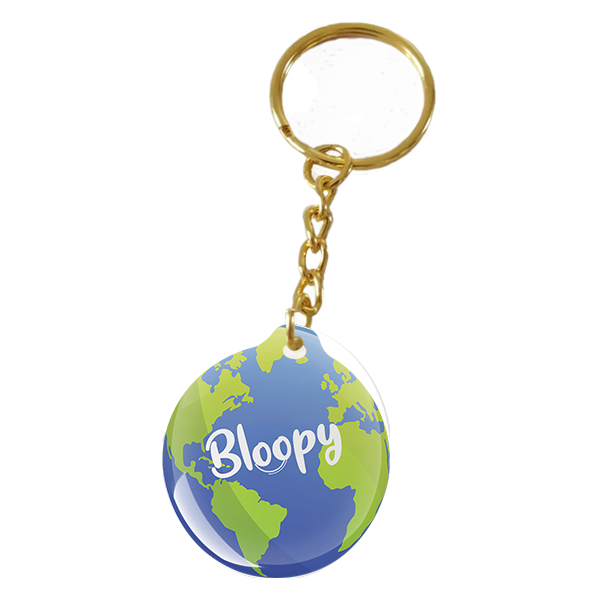
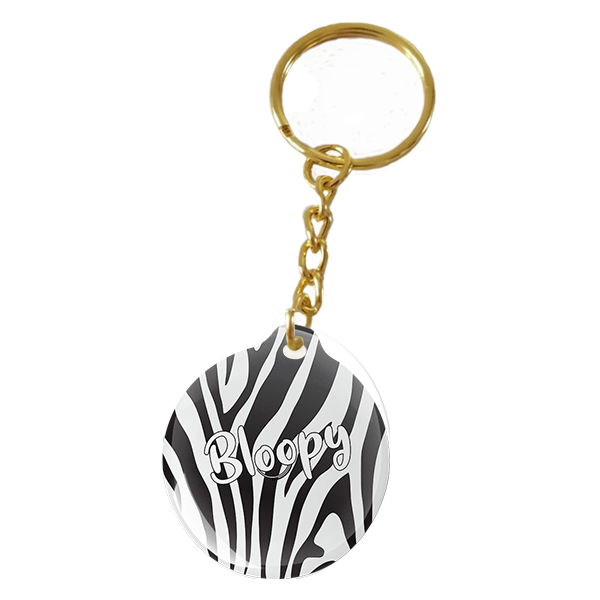


Three ways to stay connected
One BLOOPY.
The connection you choose.
For youFirst impressions.
First impressions.
Beyond a business card.
Your contact details, work and links in a profile you can update anytime. Share it with a BLOOPY card, sticker or keychain.
Choose your BLOOPY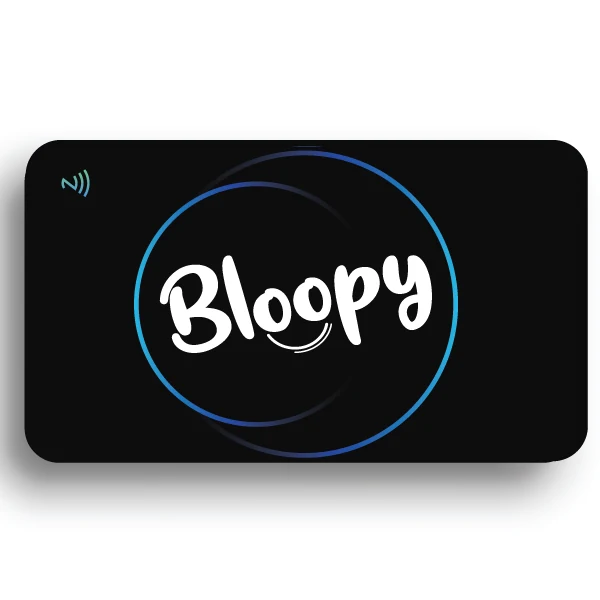
How it works · demonstration
Bring the top of your phone close to BLOOPY.
For petsA connection to you.
A connection to you.
Even when they wander.
A name, photo, contact details and care instructions help the finder know what to do. Enable Lost Mode in your account. The finder can send a message and a location they choose to share.
Choose your BLOOPY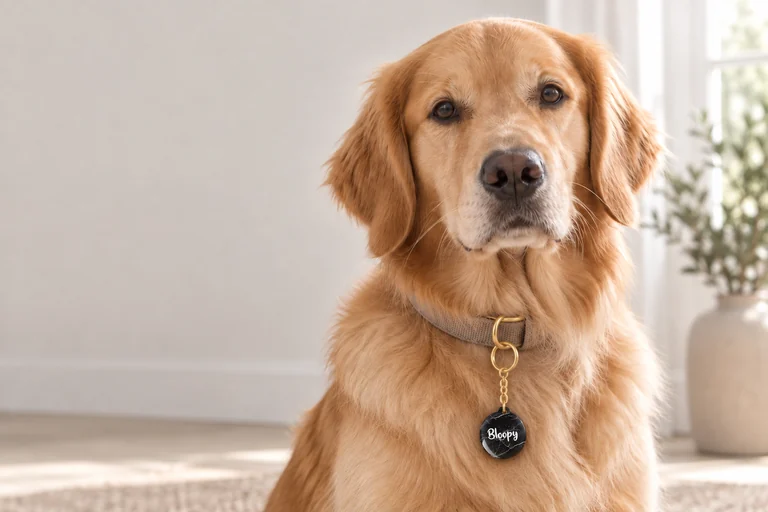
How it works · demonstration
Bring the top of your phone close to BLOOPY.
For belongingsGive your belongings
Give your belongings
a way back to you.
A sticker on a suitable object or a keychain on your keys. After scanning, the finder can contact you or send a notification. You choose which details are public.
Choose your BLOOPY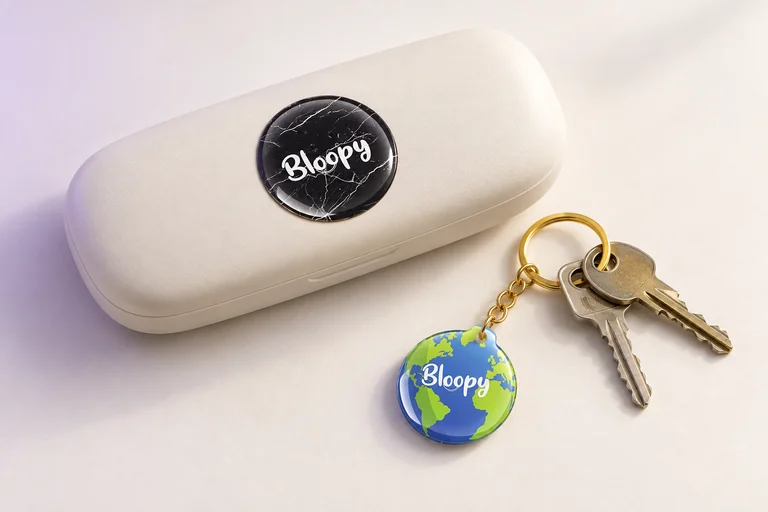
How it works · demonstration
Bring the top of your phone close to BLOOPY.
Simple from the start.
- 01
Choose your favourite
Card, sticker or keychain. A design that fits you.
- 02
Activate it
Scan your product, use its private code and choose: personal profile, pet or belonging.
- 03
Stay connected
Update the profile in your account. Your product keeps the same link.
Good to know.
Is BLOOPY a GPS tracker?
No. BLOOPY opens a profile when scanned. A finder can choose to share their location; the product does not continuously transmit its position.
Do I need an app?
The profile opens in a browser. NFC requires a compatible phone with NFC reading available. The QR code can be scanned with the camera. Opening the profile requires internet access.
Can I change my details later?
Yes. Update your details and visibility settings in your BLOOPY account without rewriting the tag.